
Display: language, time zone, first day of week
How the app shows your data is set in “Settings” - “Display preferences”. Each field is saved right when you choose a value - there is no save button here.
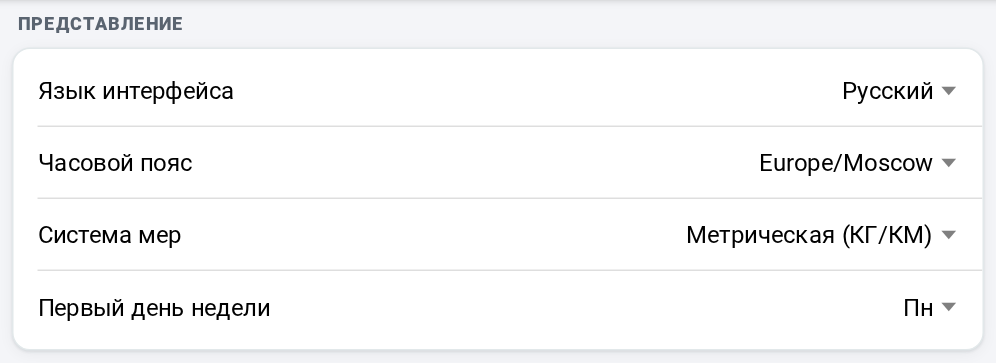
- Language - Russian or English. The interface switches at once, and the format of dates and numbers changes with it. The language can also be changed in the avatar menu - with the “Русский” and “English” rows.
- Time zone - it is set by your location when you sign up; if it is wrong, choose yours from the list.
- Measurement units - metric (kilograms, kilometers) or imperial (pounds, miles): distances, pace and speed are shown in them.
- First day of week - Monday or Sunday. Weeks start on it in the calendar, in the date picker, in the search periods and in analytics.
These settings exist only in your own profile: a coach does not change them for an athlete.