
App tour
The tour shows the app right on the screen: it highlights an element and explains what it does. The tour never starts by itself - only when you ask for it.
How to start
- The avatar menu (top right corner) - the “App tour” item;
- the card on the calendar “Want a tour of the place?” - the “Show me” button. The card is shown once; it can be closed with the cross.
Choosing a role
First the tour asks how you work: “I train myself”, “I coach athletes” or “I run a club”. The role is guessed from your account in advance - choose another one if needed.
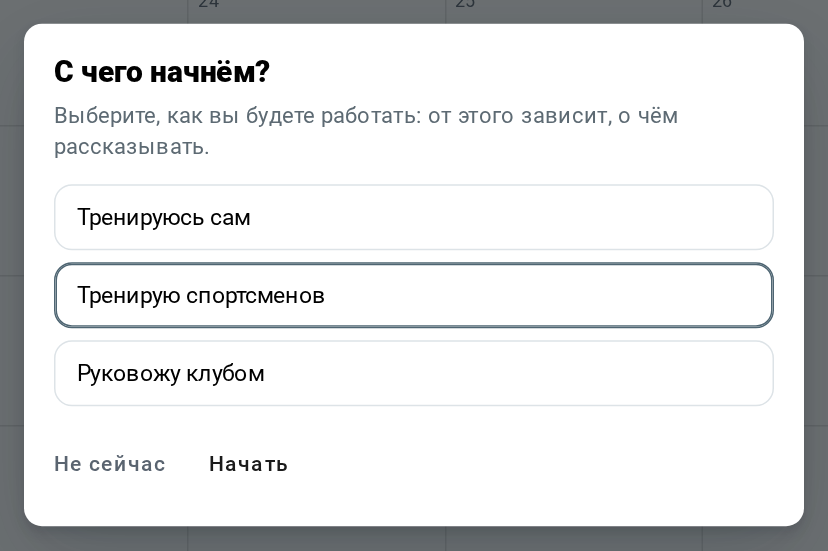
The start button opens the list of chapters, “Not now” closes the tour.
Chapters
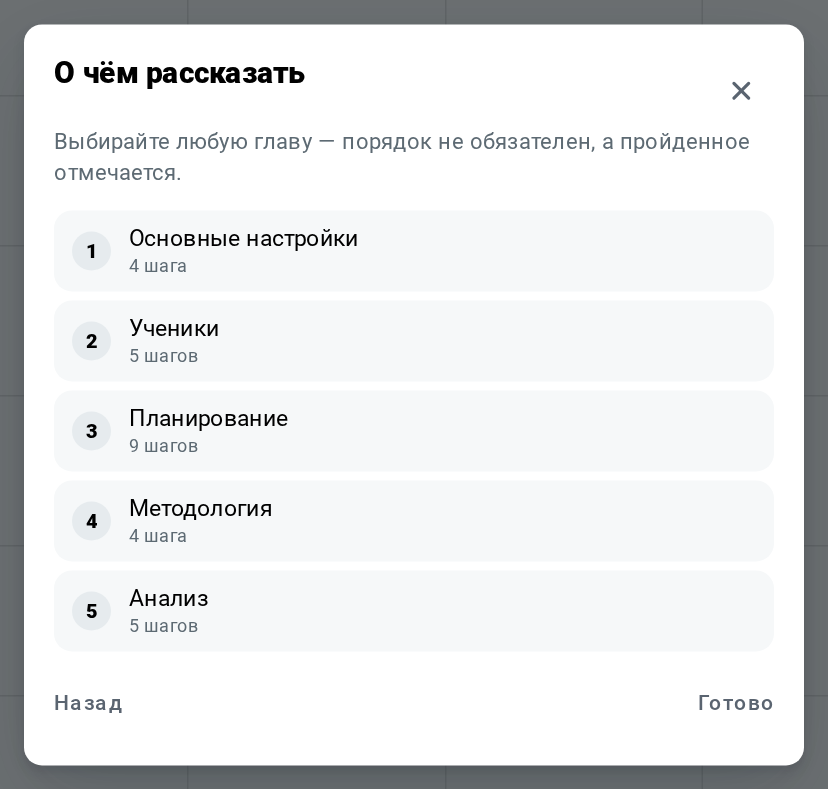
The tour is split into chapters. Each chapter shows the number of steps, completed chapters are checked - they can be taken in any order.
- For athletes: basic settings, coach or club, app sections, working with a coach, advanced features;
- For coaches: settings, athletes, planning, methodology, analysis;
- For clubs: club profile, club members, dashboard.
The number of steps depends on the screen width: on a phone some steps show other elements.
Steps
At each step the screen dims, the element is highlighted, and a card appears next to it: the chapter, “Step N of M” and an explanation.
- “Next” - the next step, on the last step of a chapter - “Done”;
- “Back” - the previous step;
- “Skip” - skip the whole chapter.
The tour can be started again at any time from the avatar menu: completed chapters stay checked on this device.